App setup for versions other than macOS 26
App setup in 3 steps
Use these steps if your Mac does not run macOS 26. For macOS 26, the no-app setup guide above is experimental.
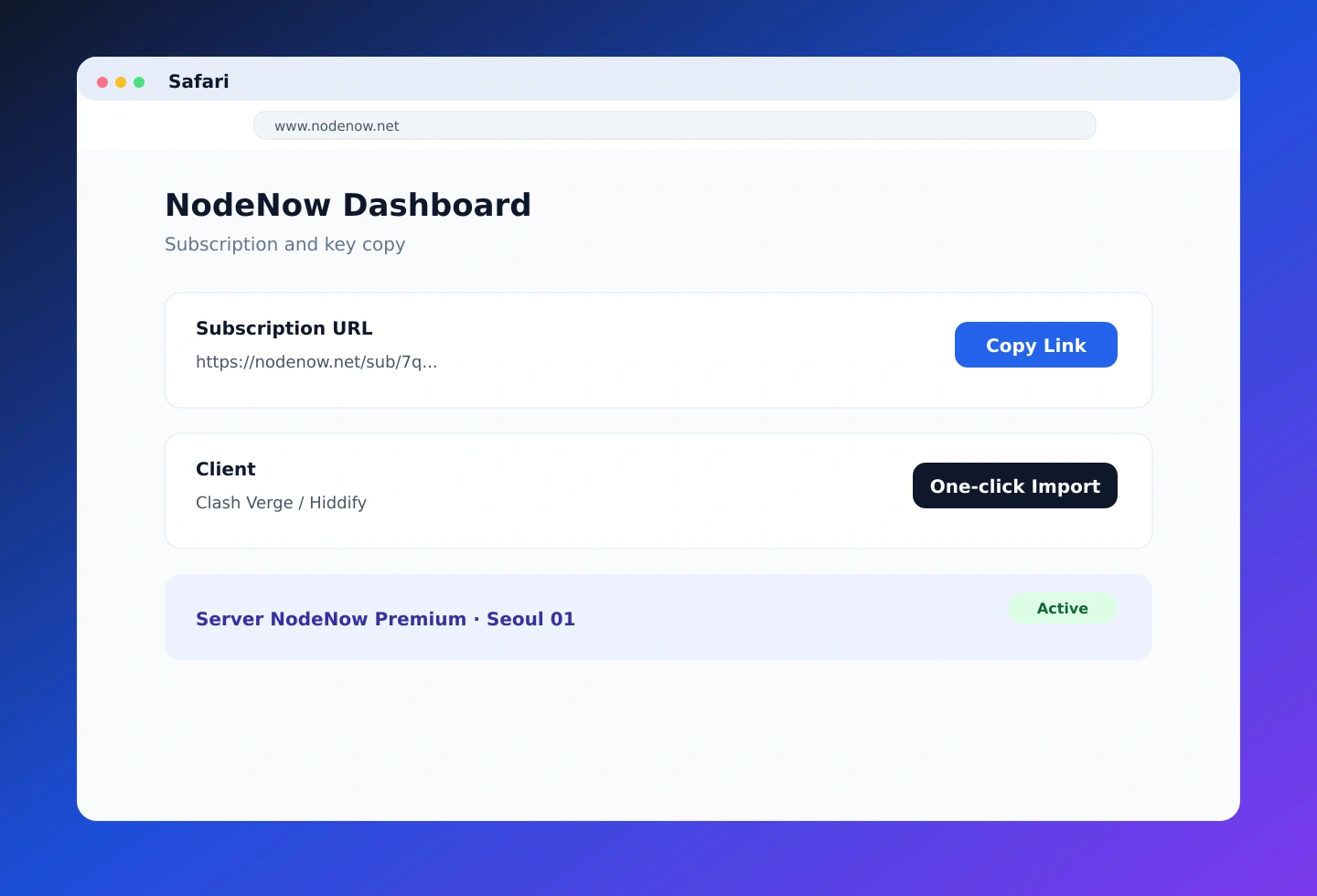
Prepare your account
Create an account and log in through the NodeNow Account Center. Sign up with your email and password.
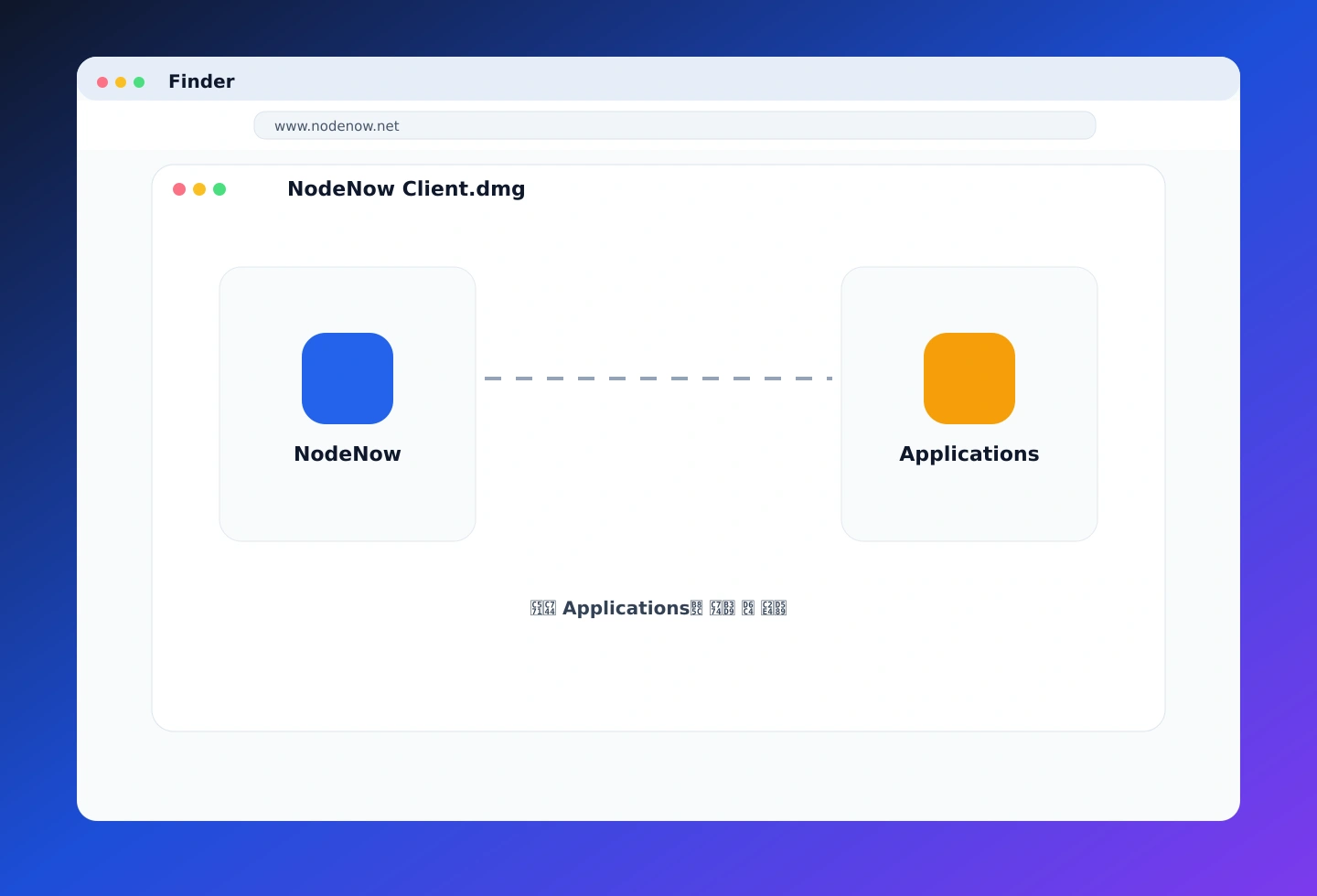
Install Hiddify or Clash Verge
Install the client from a DMG or the App Store. Move it to Applications and grant security permissions if needed.
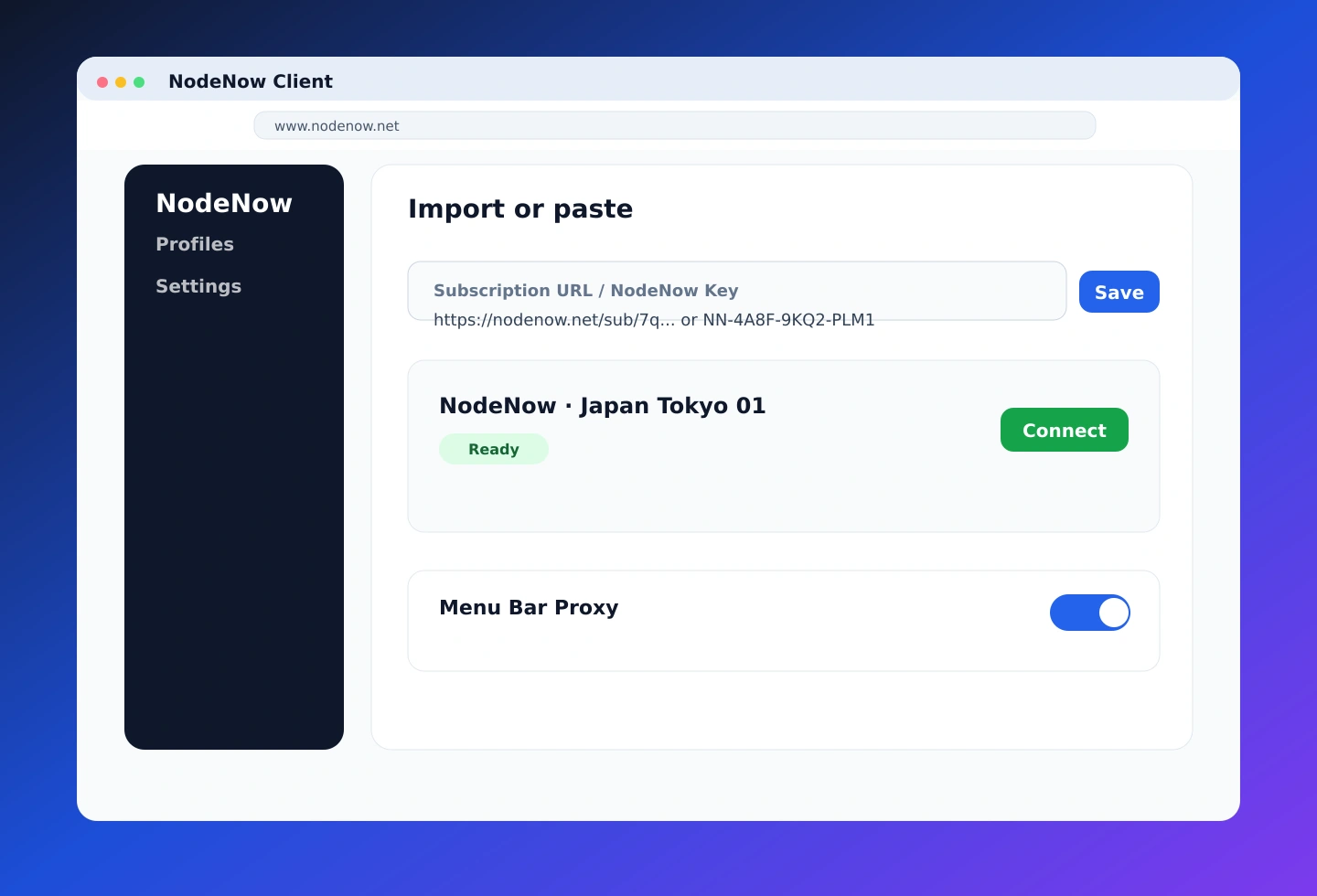
Configure the client → connect
Follow the client guide to add the VPN configuration, choose a server, and turn on the connection toggle.
2-day free trial after sign-up
Account creation and payments take place securely in the NodeNow Account Center
Advanced clients (optional)
If you are new, follow the three steps above. These optional third-party clients offer additional settings.
Powerful and stable client (free)
- Supports Apple Silicon (M1/M2, etc.) and Intel
- Smart routing and stable network connections
- Broad compatibility with network protocols
A modern interface and broad client ecosystem
- Open-source client with multi-platform support
- Easy subscription import for beginners
- Install from the App Store or GitHub
macOS client comparison
Choose a client based on its features and ease of use.
| Features | Clash Verge (recommended) | Hiddify (latest) |
|---|---|---|
| Connection method | Subscription URL | Subscription URL (quick import) |
| Korean language support | Full support | Full support |
| System proxy | ||
| M1/M2/M3 support | Full support (native) | Full support |
| Dark mode | ||
| Recommended for | All users | Users who prefer a modern UI |