Connect easily on your smartphone and tablet.
Instant access after installing the app and logging in.
Select one of the methods below to install. For first-time users, we recommend the official apps.
Most powerful Android VPN client
Sleek UI, Subscription URL based connection
Choose the best app based on features and environment.
| Key Features | Clash Meta (Recommended) | Hiddify (Modern) |
|---|---|---|
| Connection Type | Subscription URL (Copy/Paste) | Subscription URL (Copy/Paste) |
| Language Support | Multi-language | Multi-language |
| Split Tunneling | (Highly Detailed) | (Standard) |
| Battery Optimization | Normal | Normal |
| Dark Mode | ||
| Recommended For | High Performance Seekers | Modern UI Enthusiasts |
One plan allows you to use NodeNow across multiple devices.
The fastest guide to using VPN on your Android smartphone or tablet.
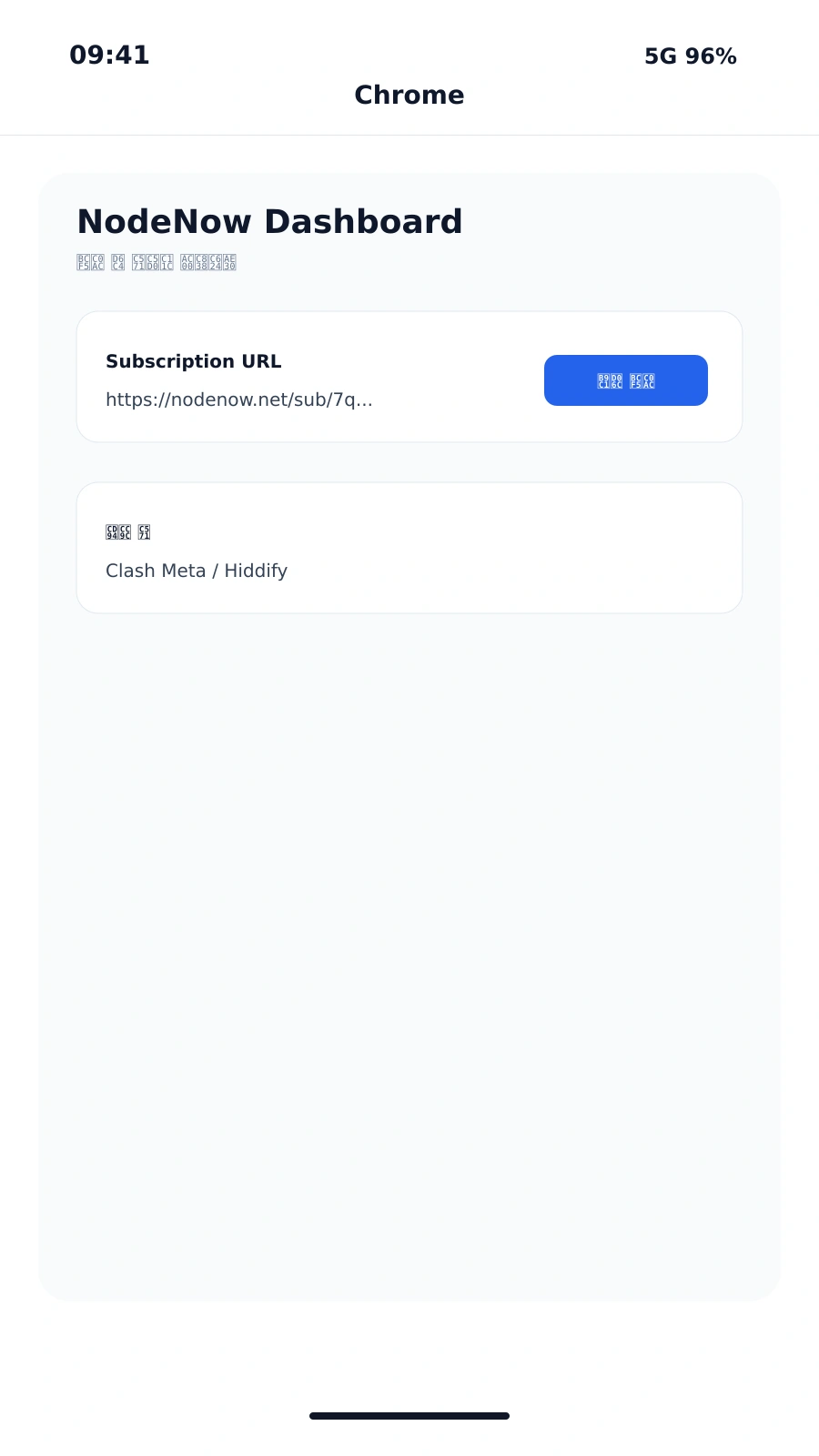
Open the NodeNow Dashboard in your mobile browser and copy the subscription link or NodeNow Key for your app.
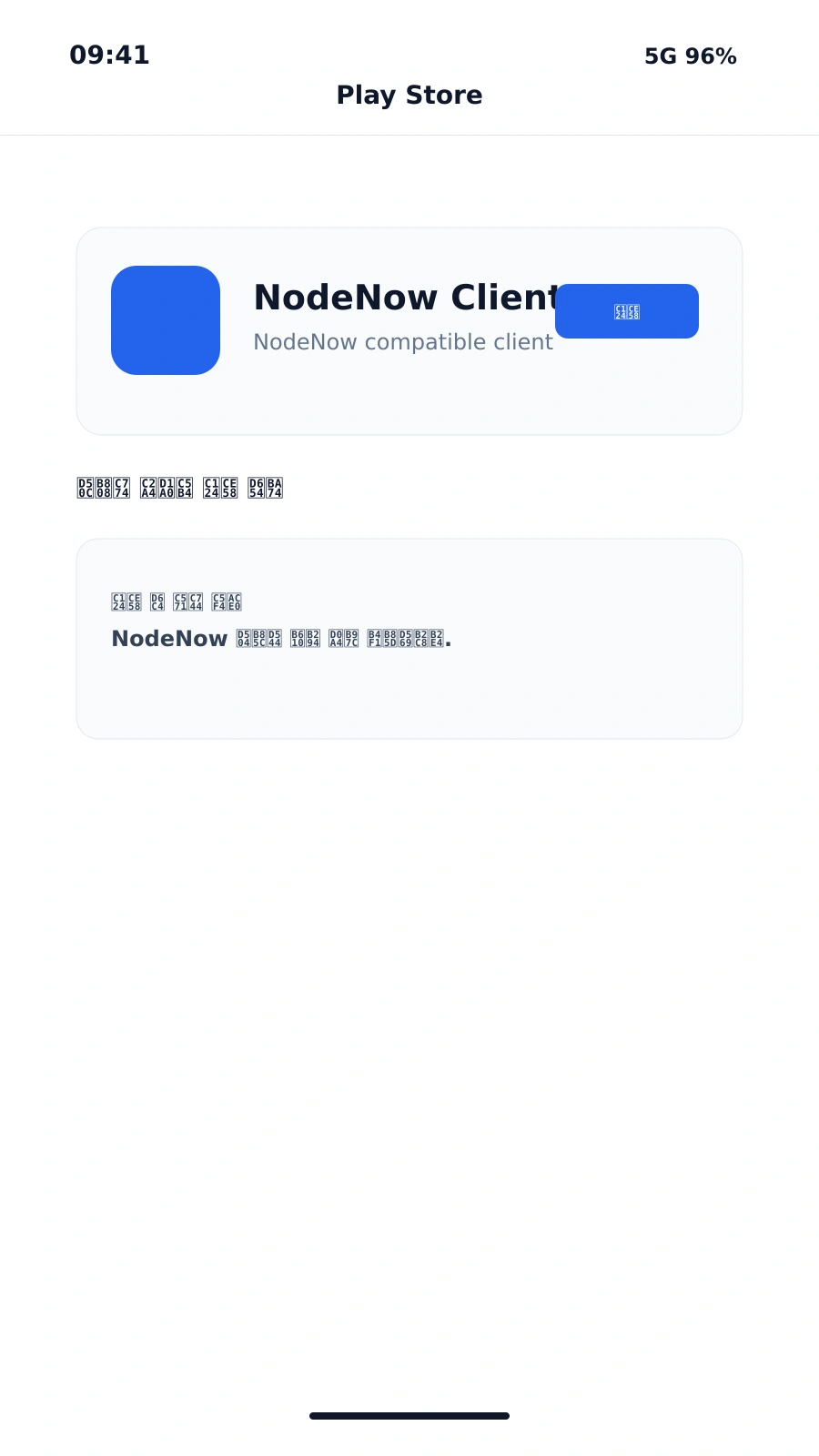
Download a reliable Android VPN client from the Google Play Store.
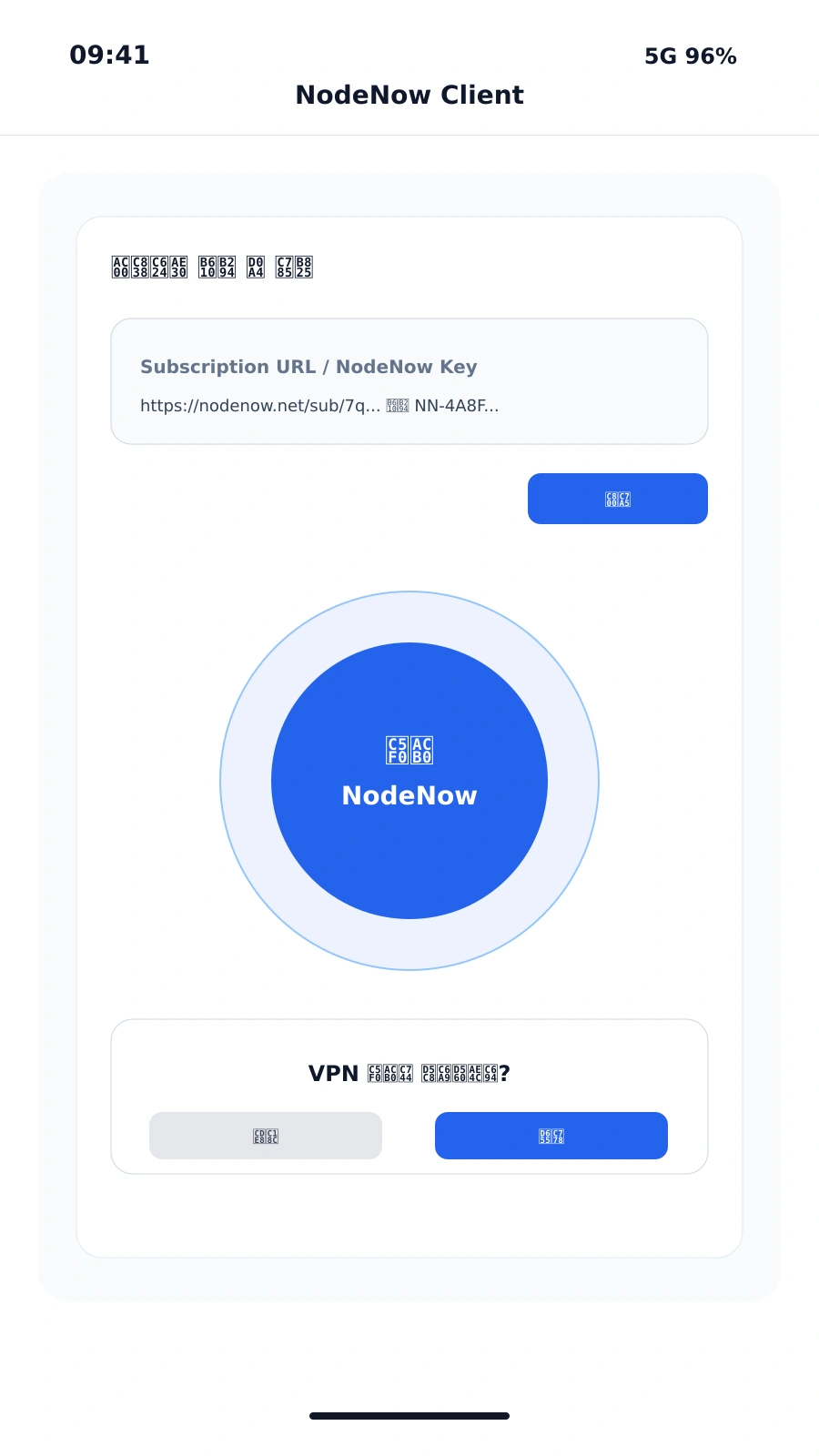
Add the subscription URL or enter the Key in the app, allow VPN permissions, and start connecting.
Select your client and follow the step-by-step setup walkthrough.
Powerful support for split tunneling, ping tests, and advanced subscription management.
Sleek modern interface with easy link management and automatic protocol selection.
Free Trial · No Auto-pay · 30-Day Money-Back Guarantee
Frequently asked questions about NodeNow on Android.
Free Trial · No Auto-pay · Unlimited Traffic