1
Download and Install Hiddify App
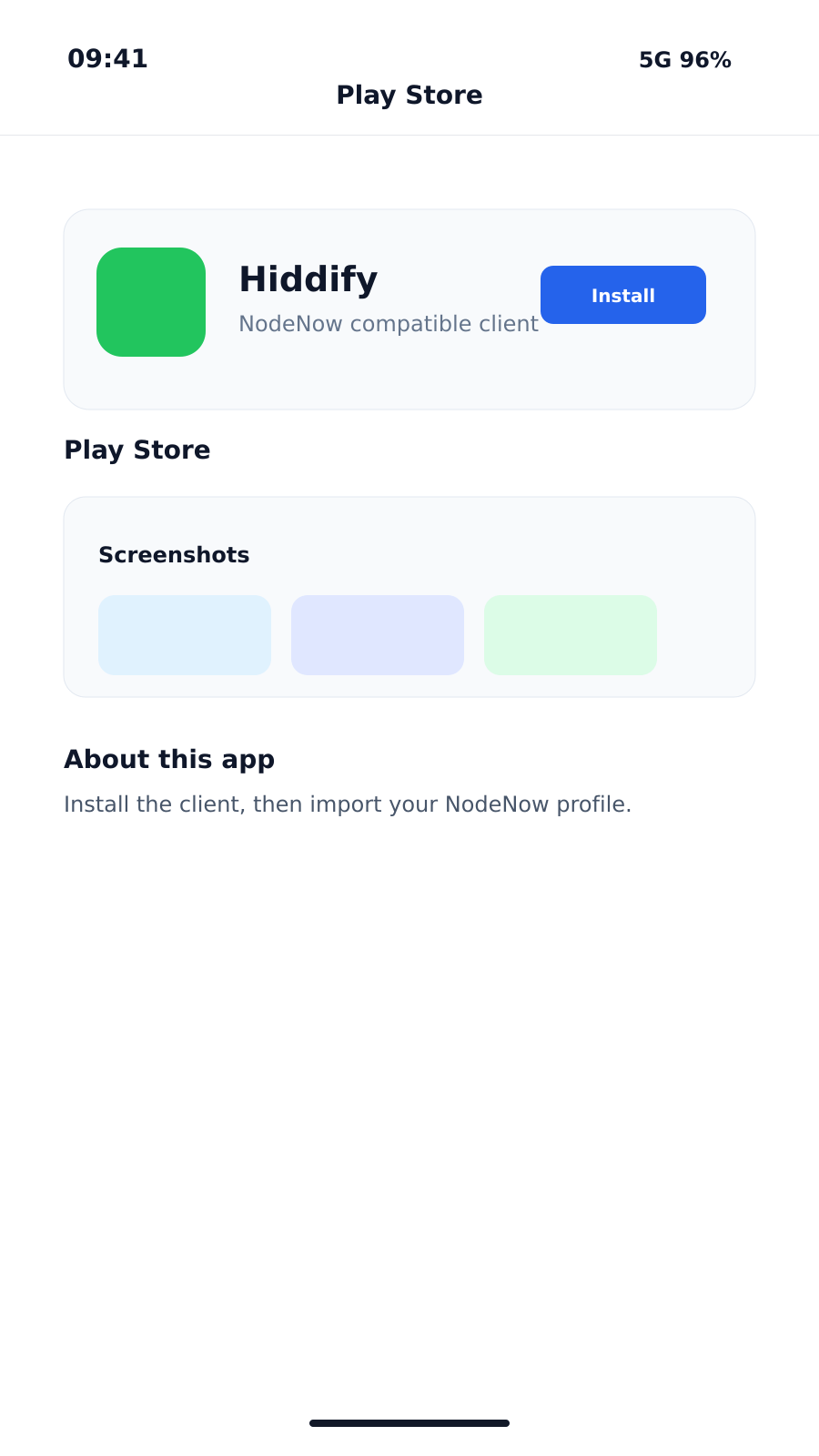
Open the Google Play Store on your Android device to download Hiddify, or use the link below.
If you prefer direct APK installation, you can find the downloads on the GitHub Releases page.
2
Copy NodeNow Subscription URL
You need your unique subscription URL to fetch the server list in Hiddify.
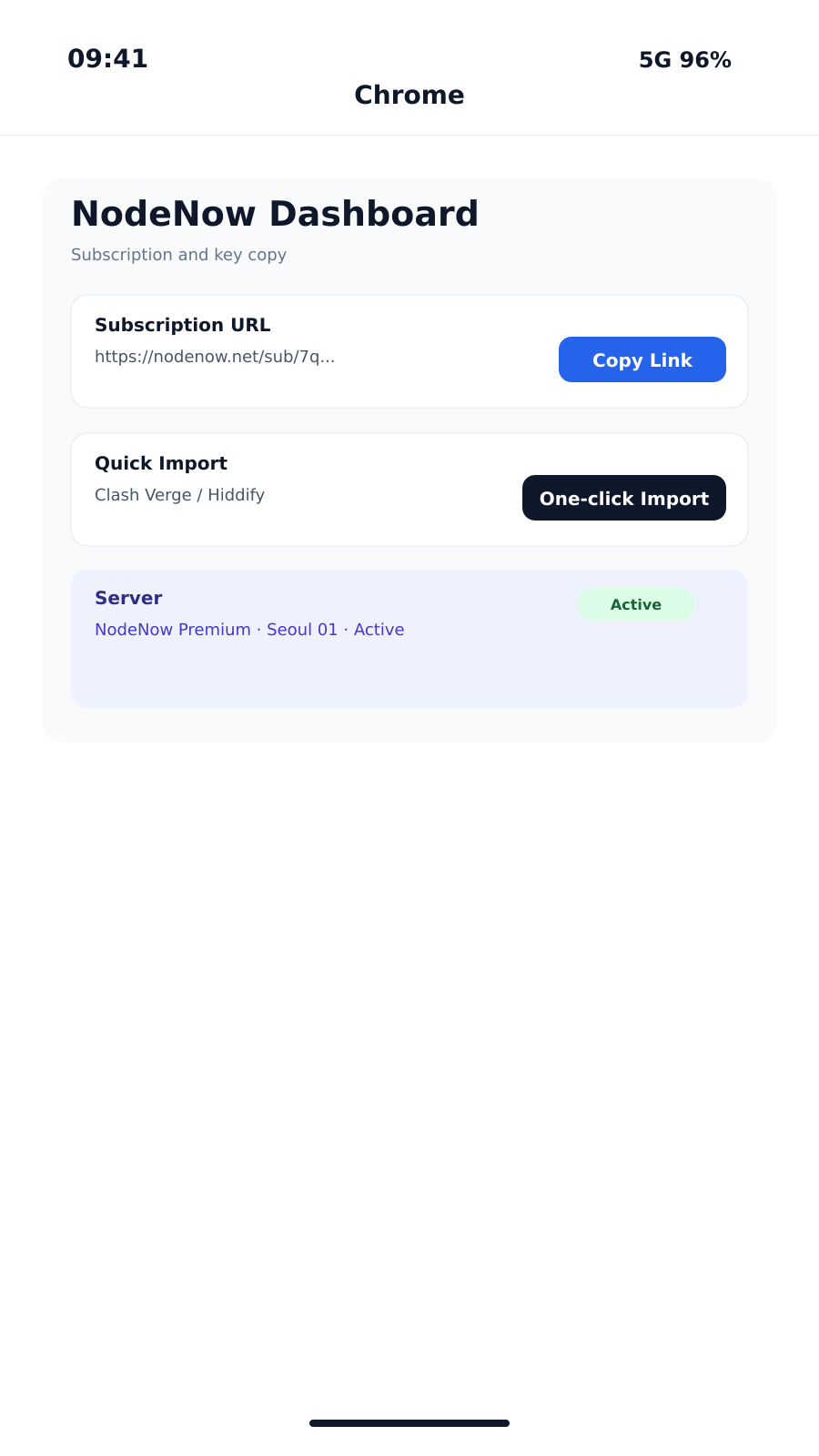
- Log in to NodeNow Account Center via your mobile browser.
- Navigate to the My Subscriptions menu.
- Click the Copy Subscription (Universal) button to copy your URL to the clipboard.
Your subscription URL contains sensitive account information. Do not share it with others.
3
Add Subscription (Import)
Open Hiddify and import your configuration.
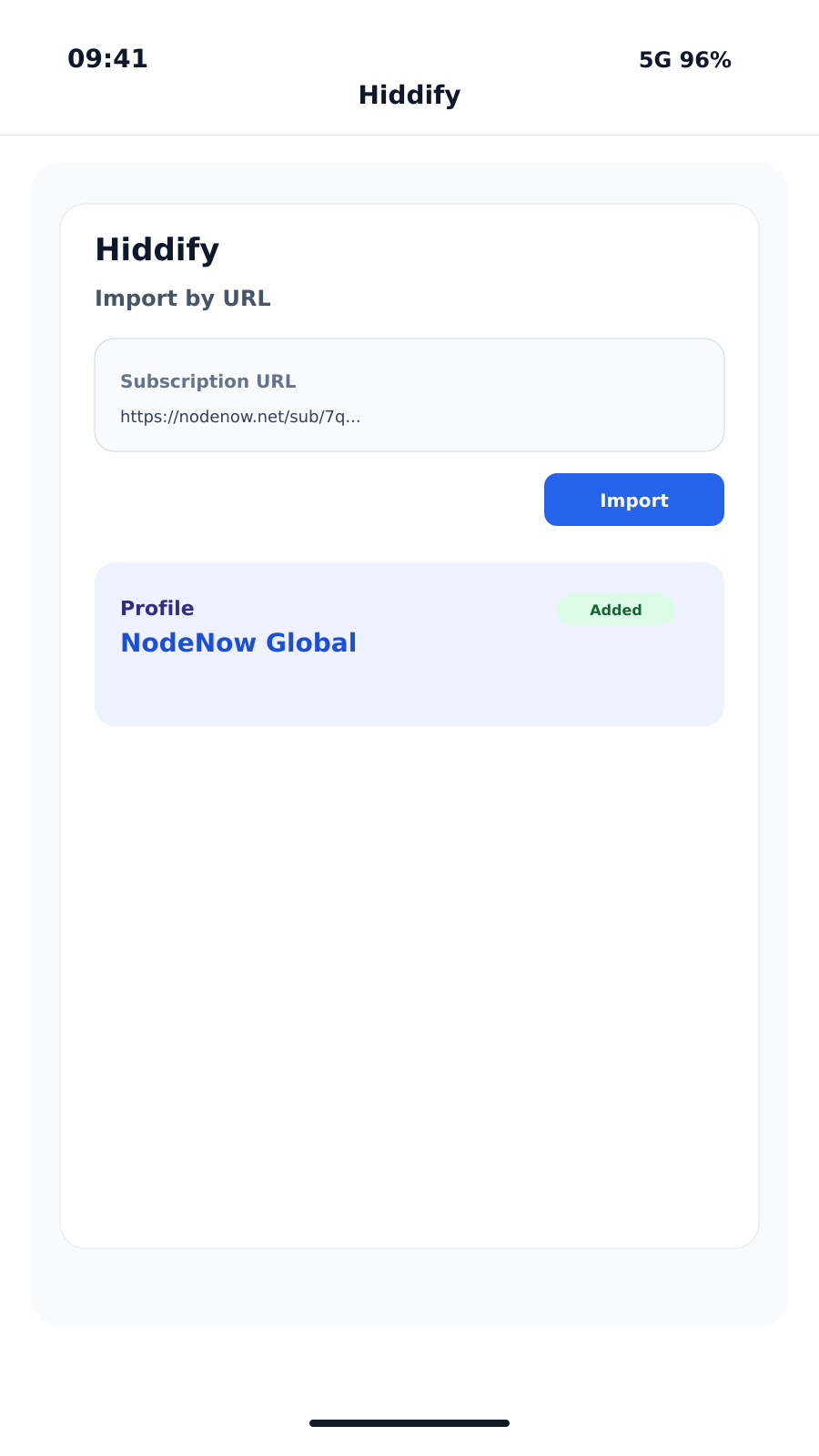
- On the initial Hiddify screen, grant any requested permissions.
- Tap the + (Add) button located at the top right or center of the screen.
- Select Add from Clipboard. Hiddify will automatically detect and import your copied link.
- Once added, return to the main dashboard.
4
Connect to VPN
You're all set!
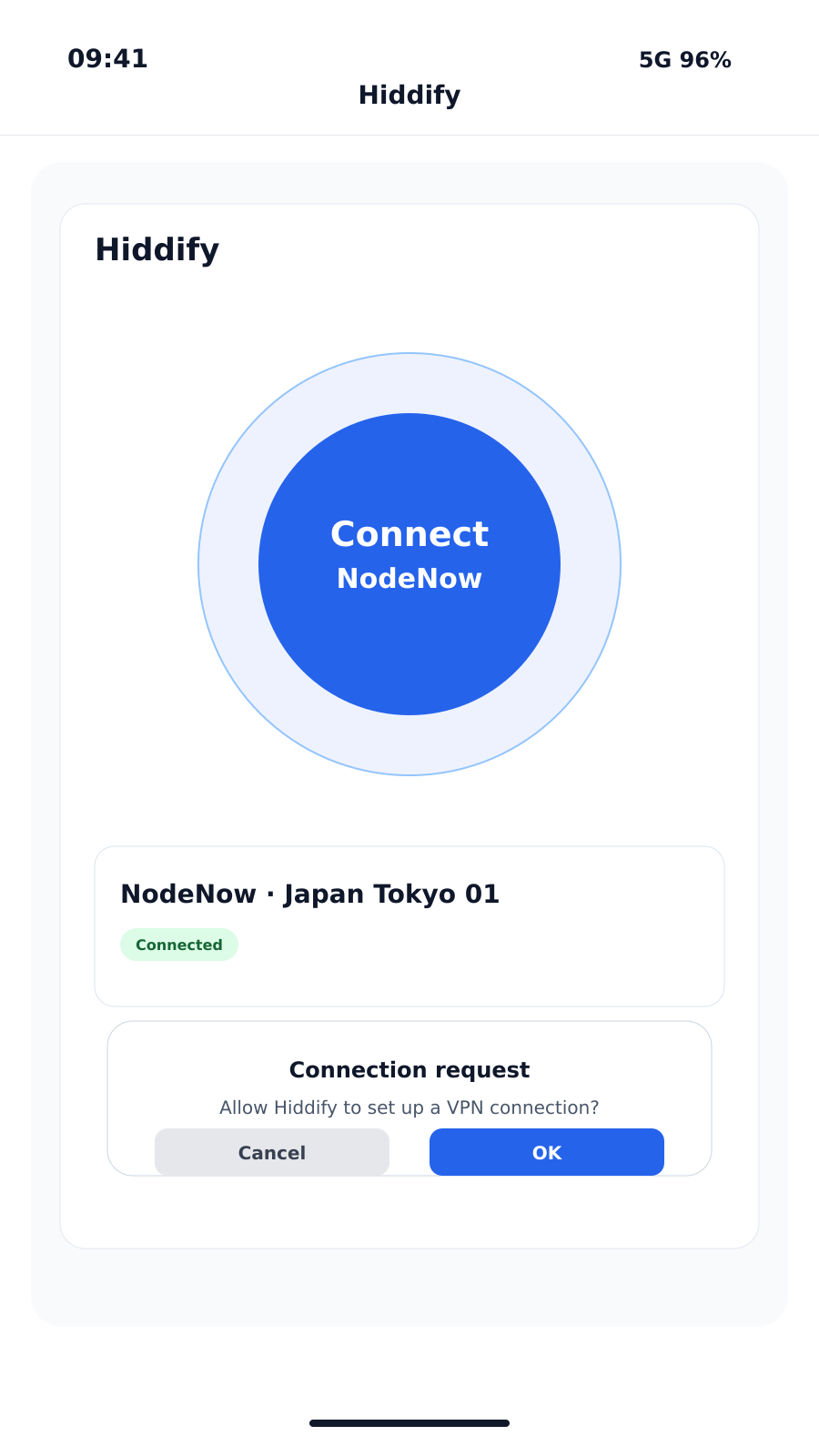
- Tap the large round button (Connect/Tap to Connect) in the center of the dashboard.
- When prompted by Android for VPN permission, tap OK.
- The button will change to an active state, and a key icon will appear in your status bar, confirming you're connected.
You can manually select specific nodes or countries from the Proxies tab at the bottom.