App setup for iPhone without iOS 26 or for iPad
Apps for iPhone without iOS 26 or for iPad
For iPhone without iOS 26 or for iPad, start with the free Hiddify app from the App Store. Shadowrocket is paid and requires a US App Store account. There is no standalone NodeNow app for iPhone or iPad.
Modern design and routing client
- Clear and easy-to-use main dashboard
- Keep server lists current with subscription URL updates
- Automatically switch servers based on latency
- A consistent experience across Windows and Android
Popular client with broad protocol compatibility (paid)
- Supports a range of modern network protocols
- Import NodeNow subscription URLs with a shortcut
- Custom routing, ad blocking, and detailed DNS settings
- Paid directly through the App Store
iOS client comparison (iPhone/iPad)
Choose a client to suit your needs and preferences.
| Features | Hiddify (latest) | Shadowrocket (paid) |
|---|---|---|
| Price | Free | Paid ($2.99) |
| Connection method | Subscription URL (quick import) | Subscription URL (quick import) |
| Korean language support | Full support | Partial support |
| Advanced routing | (Basic support) | (Extensive options) |
| Battery efficiency | Standard | Good |
| Recommended for | Users who prefer a modern UI | Power users |
App setup in 3 steps
These steps are for iPhone without iOS 26 or for iPad. On iPhone with iOS 26, use the no-app setup guide above.
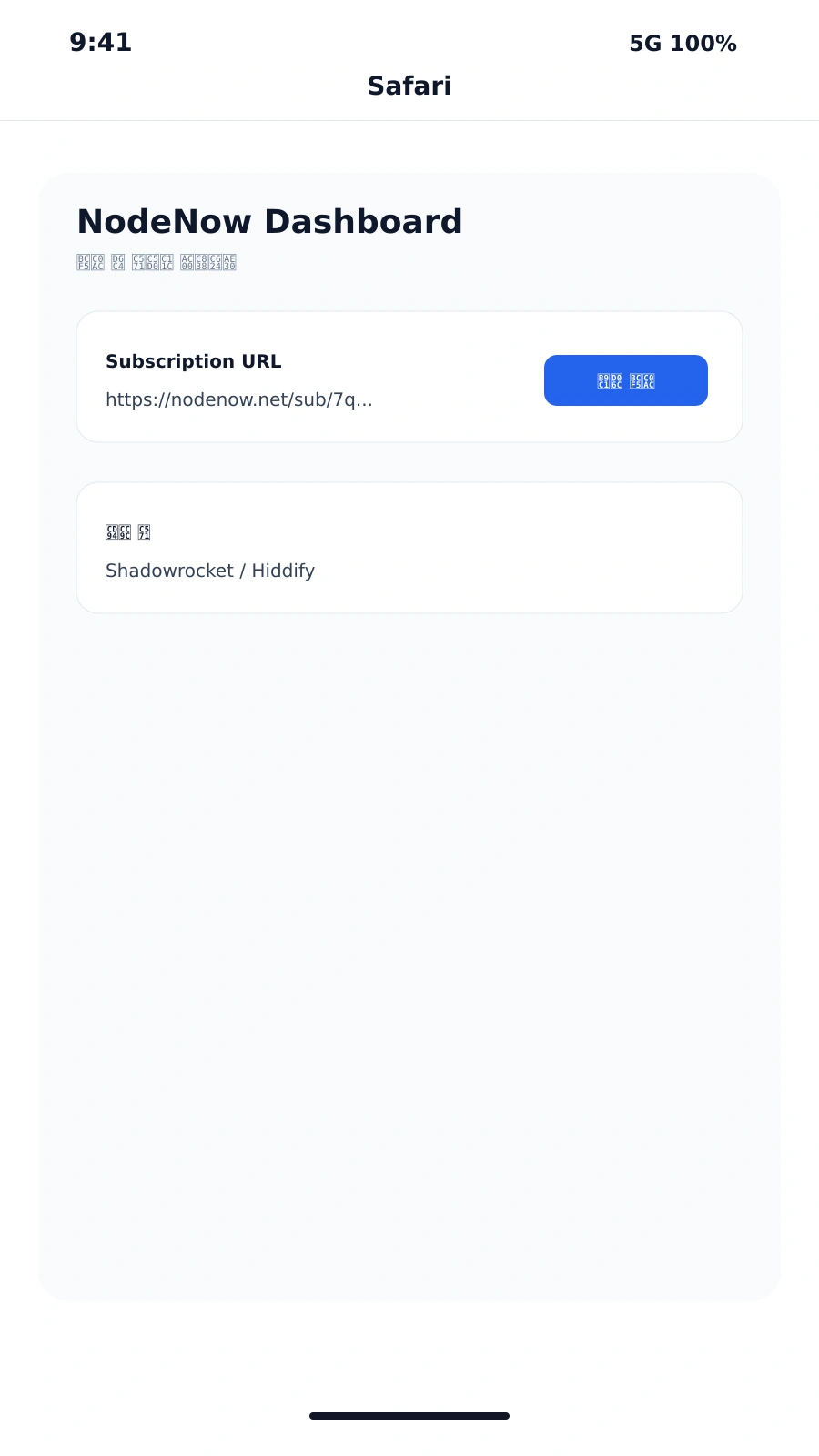
Prepare your account
Create an account and log in through the NodeNow Account Center. Sign up with your email and password.
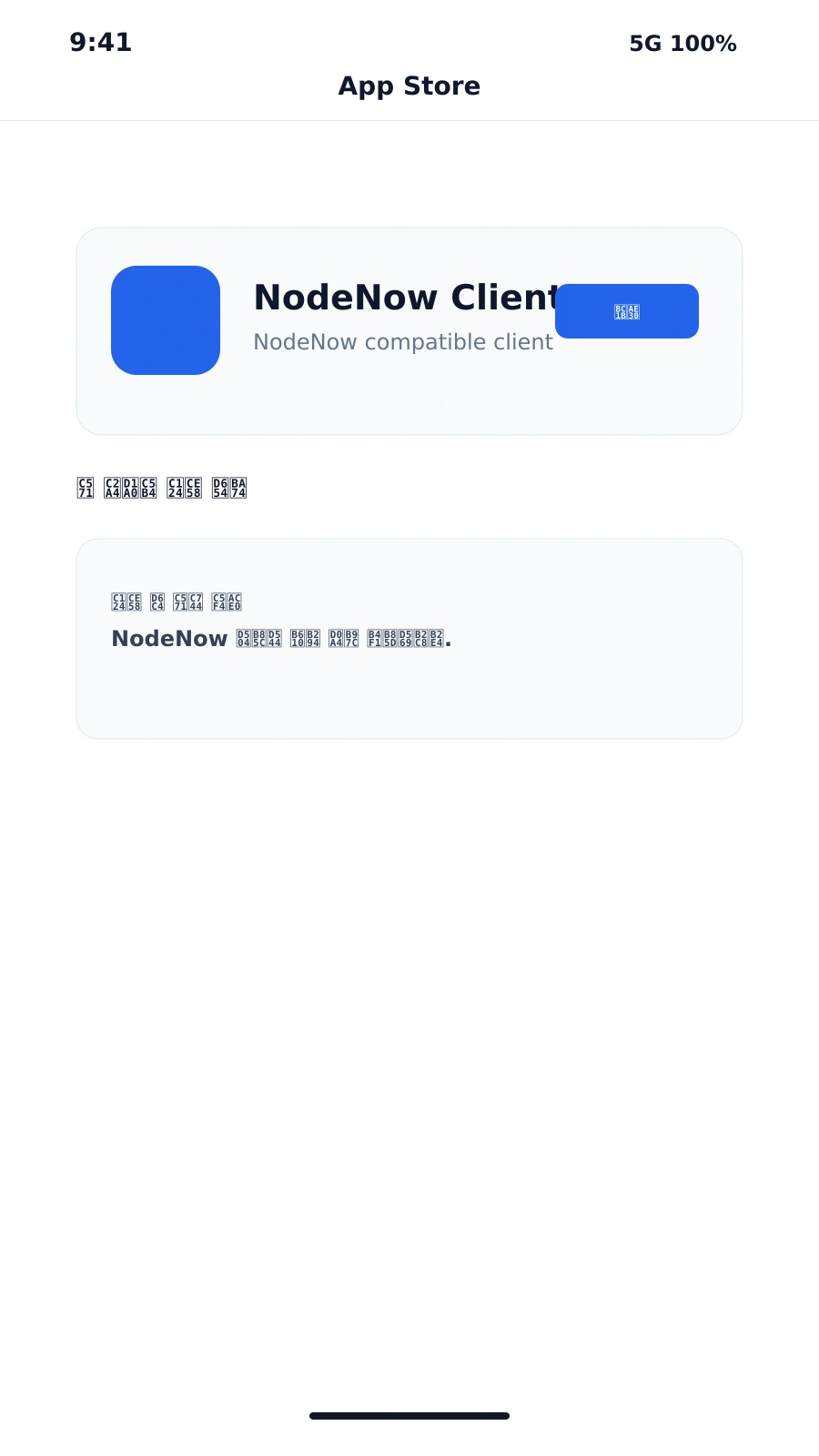
Download from the App Store
Download one of the iOS VPN clients listed below from the App Store.
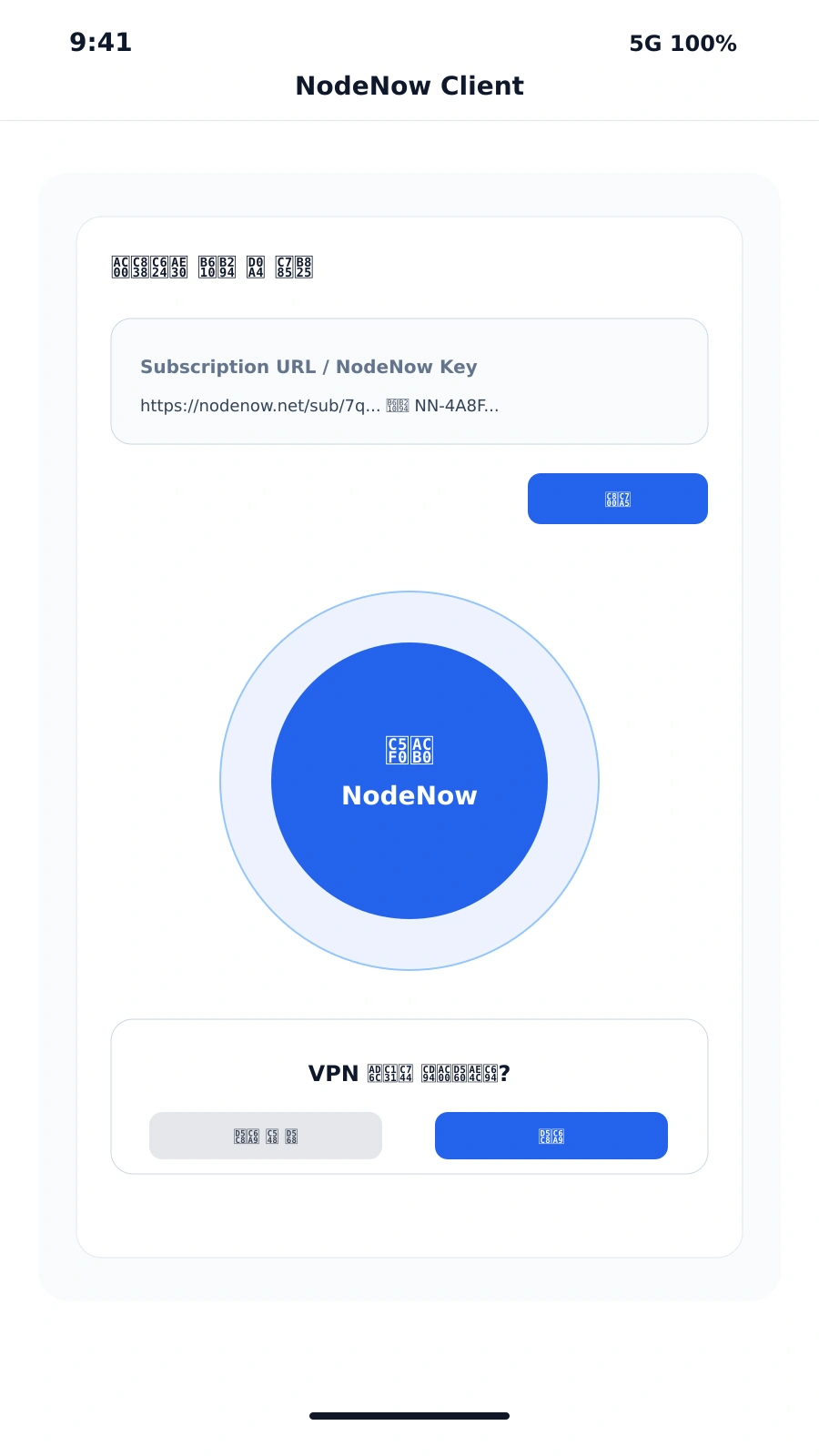
Configure the client → connect
Follow the client guide to add the VPN configuration, choose a server, and connect.
2-day free trial after sign-up
Account creation and payments take place securely in the NodeNow Account Center
Advanced clients (optional)
If you are new, follow the three steps above. These optional third-party clients offer additional settings.
Hiddify
Import subscription links and test server lists through a clear, modern interface.
- Free, clear, and easy-to-use interface
- Manage multiple subscription URLs
Shadowrocket
A paid proxy client with detailed settings and shortcut-based subscription URL import.
- Paid app ($2.99 / US account)
- Automatic URL import and advanced routing