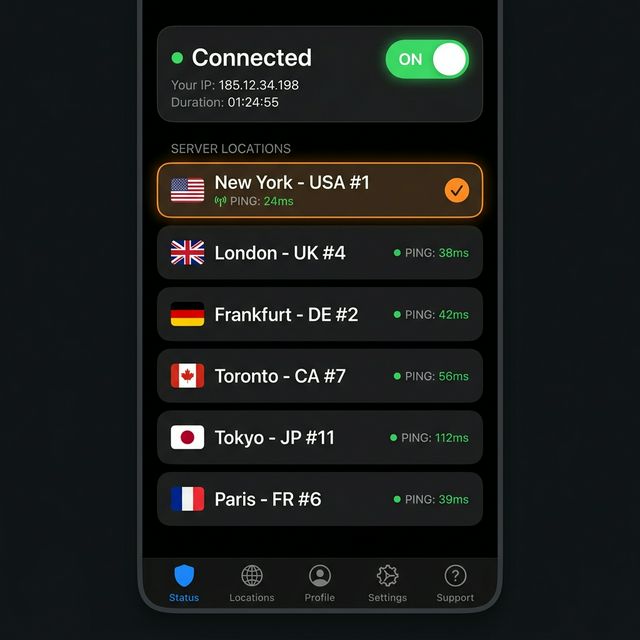
Note: Shadowrocket is a paid app ($2.99). Depending on your region's App Store, you may need a US or international account to download it.
1
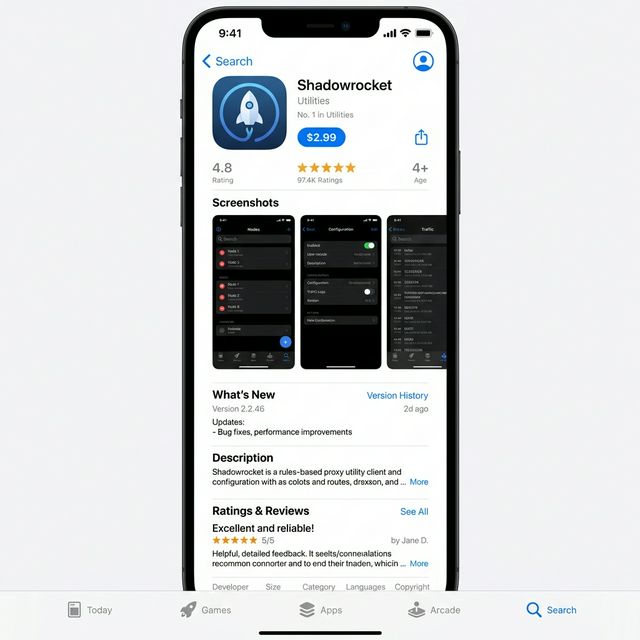
Download the App from the App Store
Open the App Store on your iPhone or iPad, or use the link below to purchase and install the app.
2
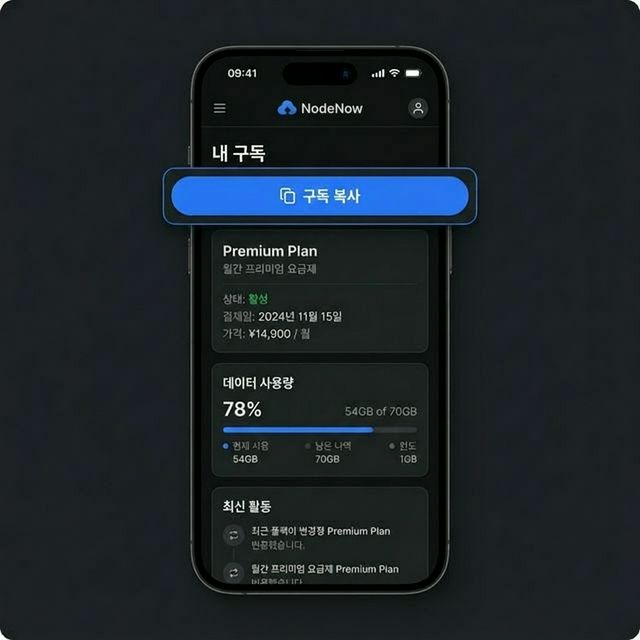
Copy Your NodeNow Subscription URL
You need to copy your subscription link from NodeNow using Safari or another mobile browser.
- Log in to NodeNow Account Center in your browser.
- Go to the My Subscriptions (or Dashboard) menu.
- Tap the "Copy Subscription (Universal)" button to copy your dedicated URL.
(Note: Copy the fullhttps://...link, not just a partial address.)
3
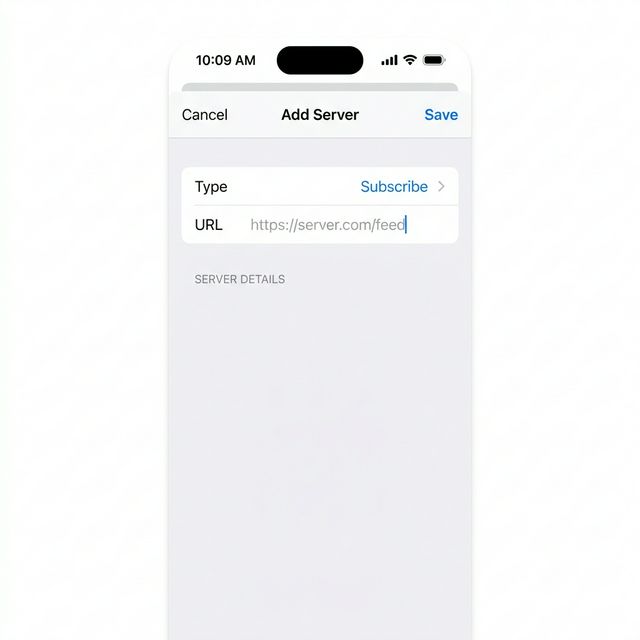
Add Subscription URL to Shadowrocket
Return to the Shadowrocket app and paste the copied URL.
- Launch Shadowrocket.
- Tap the + (plus icon) in the top right corner.
- Tap Type and change it to Subscribe.
- Long-press the URL field and Paste your NodeNow subscription link. (You can name it "NodeNow" in the Remarks field).
- Tap Done/Save in the top right. The app will automatically download the server list!
One-Click Import: You can also tap the Import to Shadowrocket button on our dashboard to skip step 3 and add it directly. Use this if you find manual entry difficult.
4
Select a Server and Connect
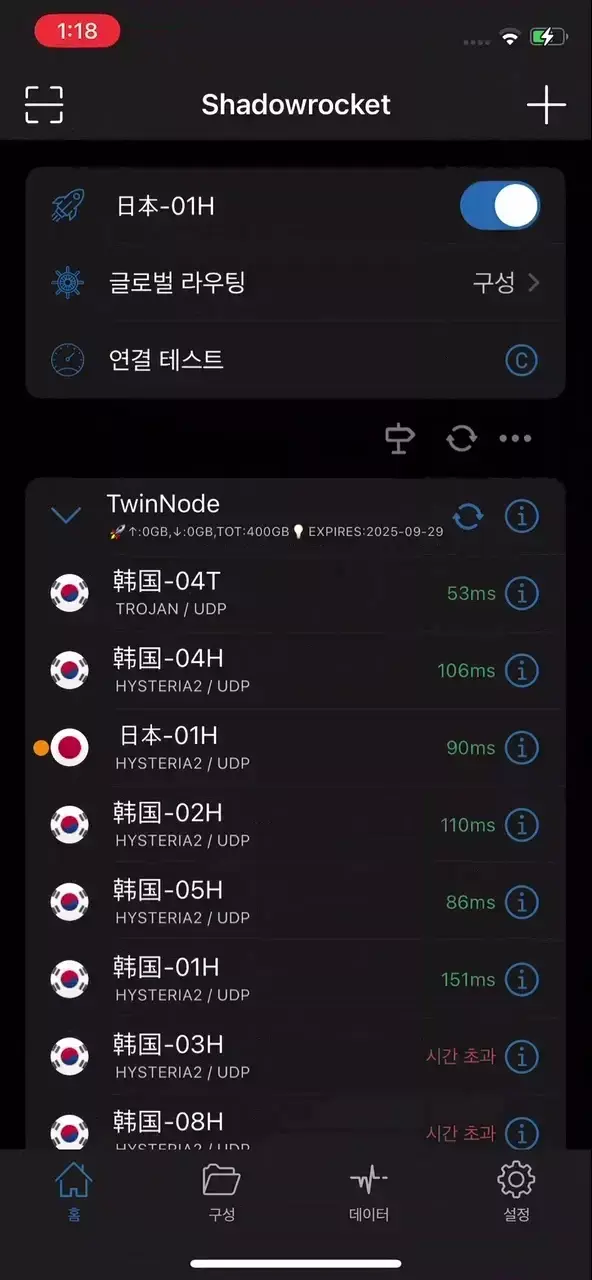
Choose a server from the imported list by tapping it (a checkmark will appear).
- Toggle the Not Connected switch at the very top to start the connection.
- When the "Shadowrocket Would Like to Add VPN Configurations" prompt appears, tap Allow and authenticate with your passcode, Touch ID, or Face ID.
- Once the VPN icon appears in your status bar, you are successfully connected.